
Replacing the USB port on my Calculator
Because why do they use USB micro anyway?
Why?
I use the TI-84 Calculator for my classes in university. These calculators have been around for a long time and since TI does not seem interested in updating their hardware we get a calculator with USB micro. I had some leftover components on hand from previous projects and after losing my only USB micro cable I decided to just replace usb micro port with USB-C.
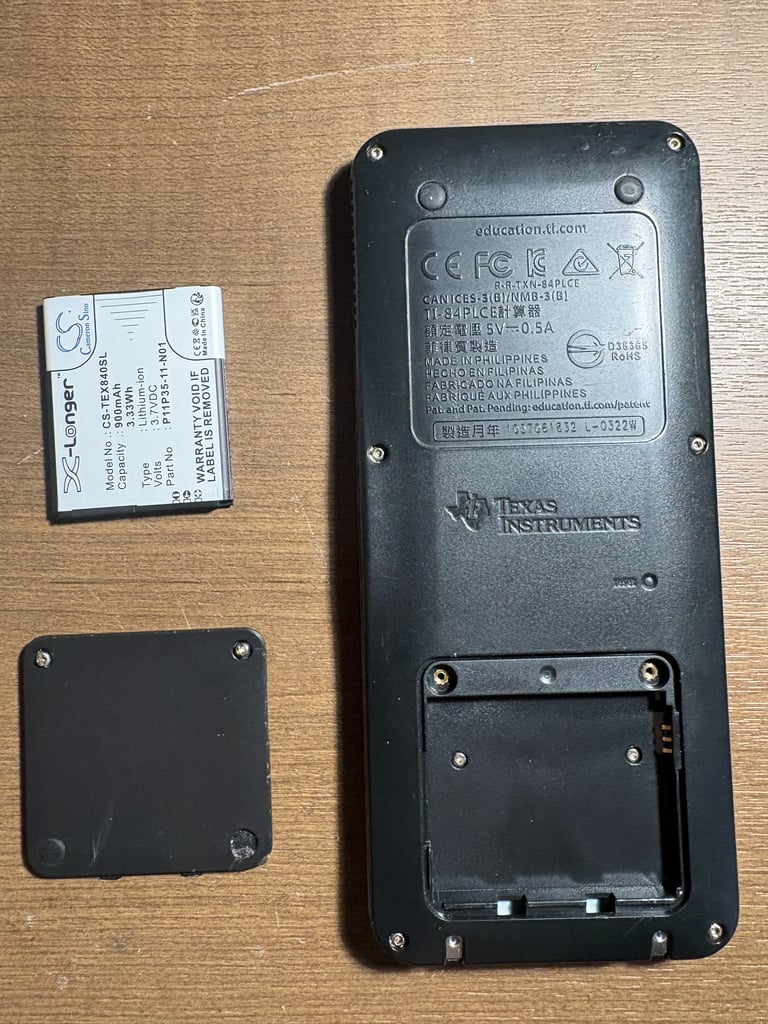
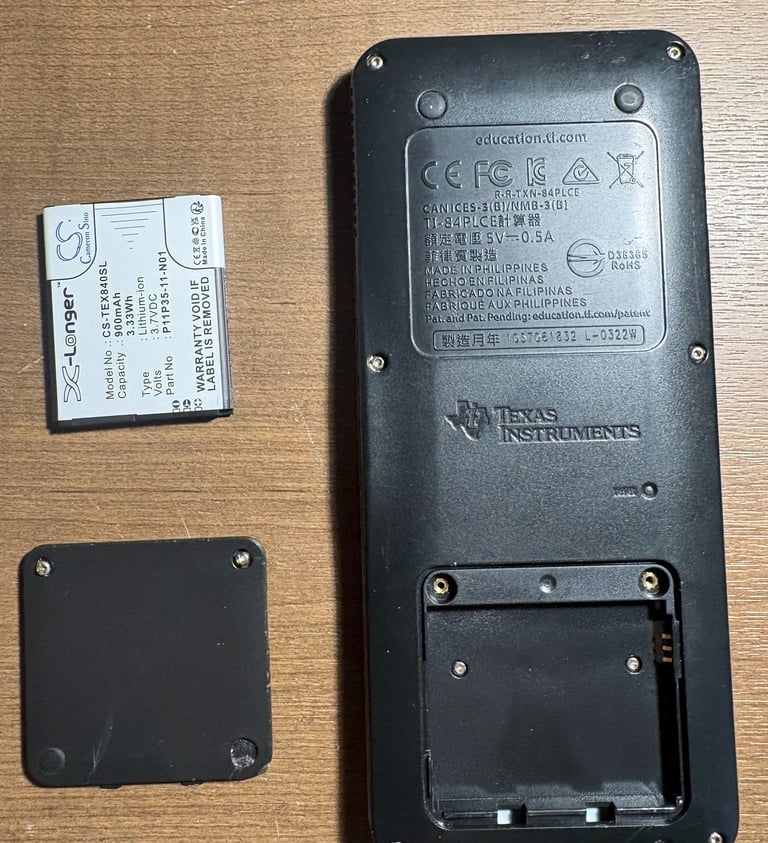
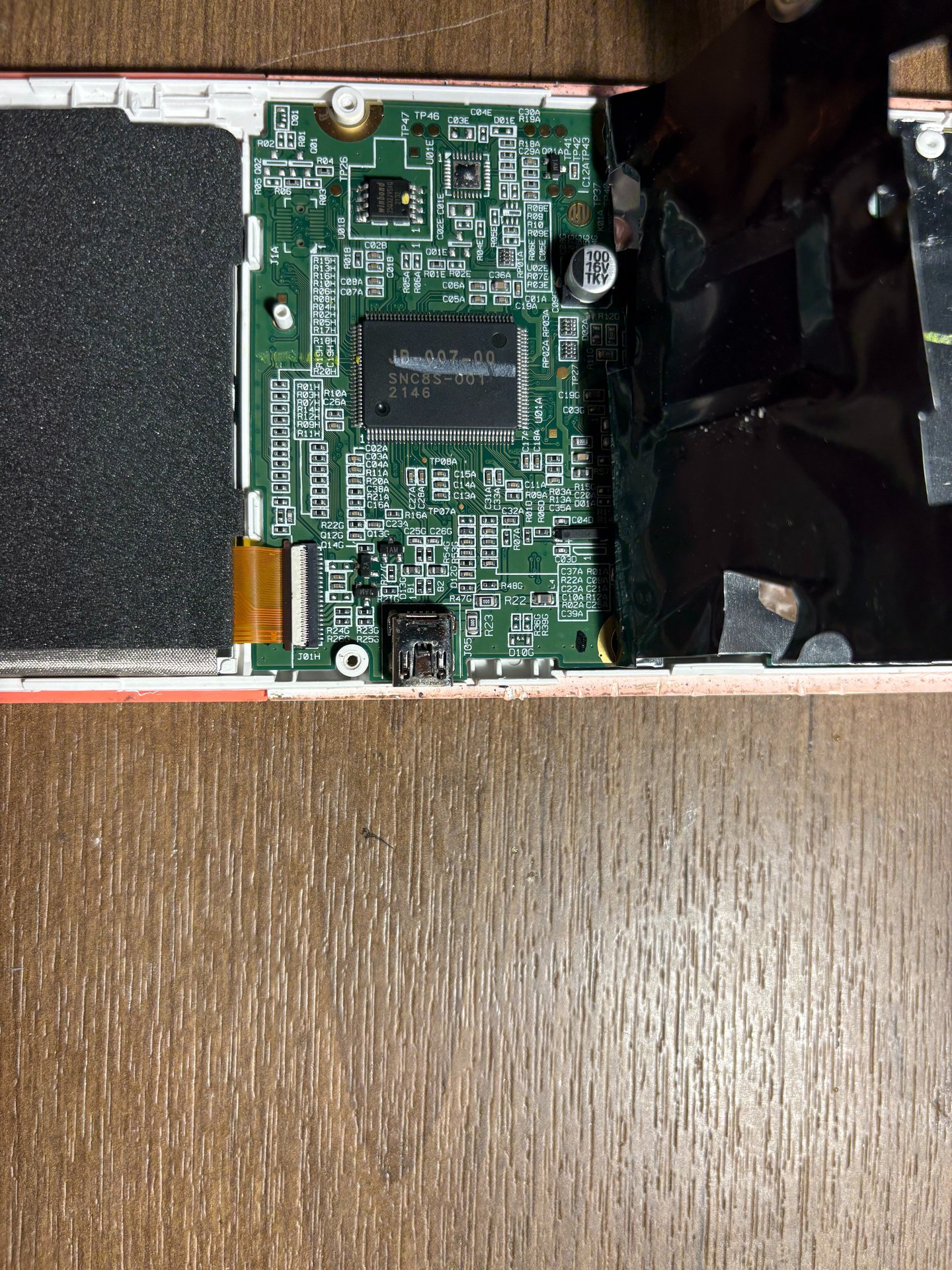
Take out the battery and remove the screws

Step 2
The entire circiut board has a thin metal shielding on the back of it. The entire shield was held on by the by some screws on the bottom of the device, but I was able to peel it back and locate the USB micro without fully removing it.
Step 1
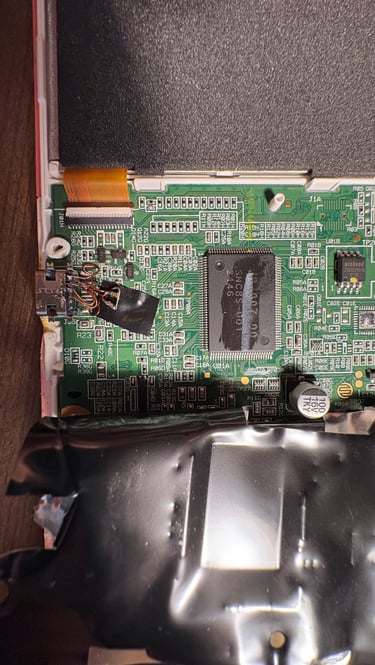
I used hot air to desolder the original USB port, and to be safe, I spent some time covering the circuit board with aluminum foil tape. I planned on using hot air to desolder the port, and while the process if fairly directional I did not want to take any chances (a new TI-84 is $100+!). Desoldering was easy, I had no trouble removing the old port and cleaning the excess flux off the board. However, I did melt the plastic body of the calculator causing cosmetic damage. I should have removed the PCB entirely!
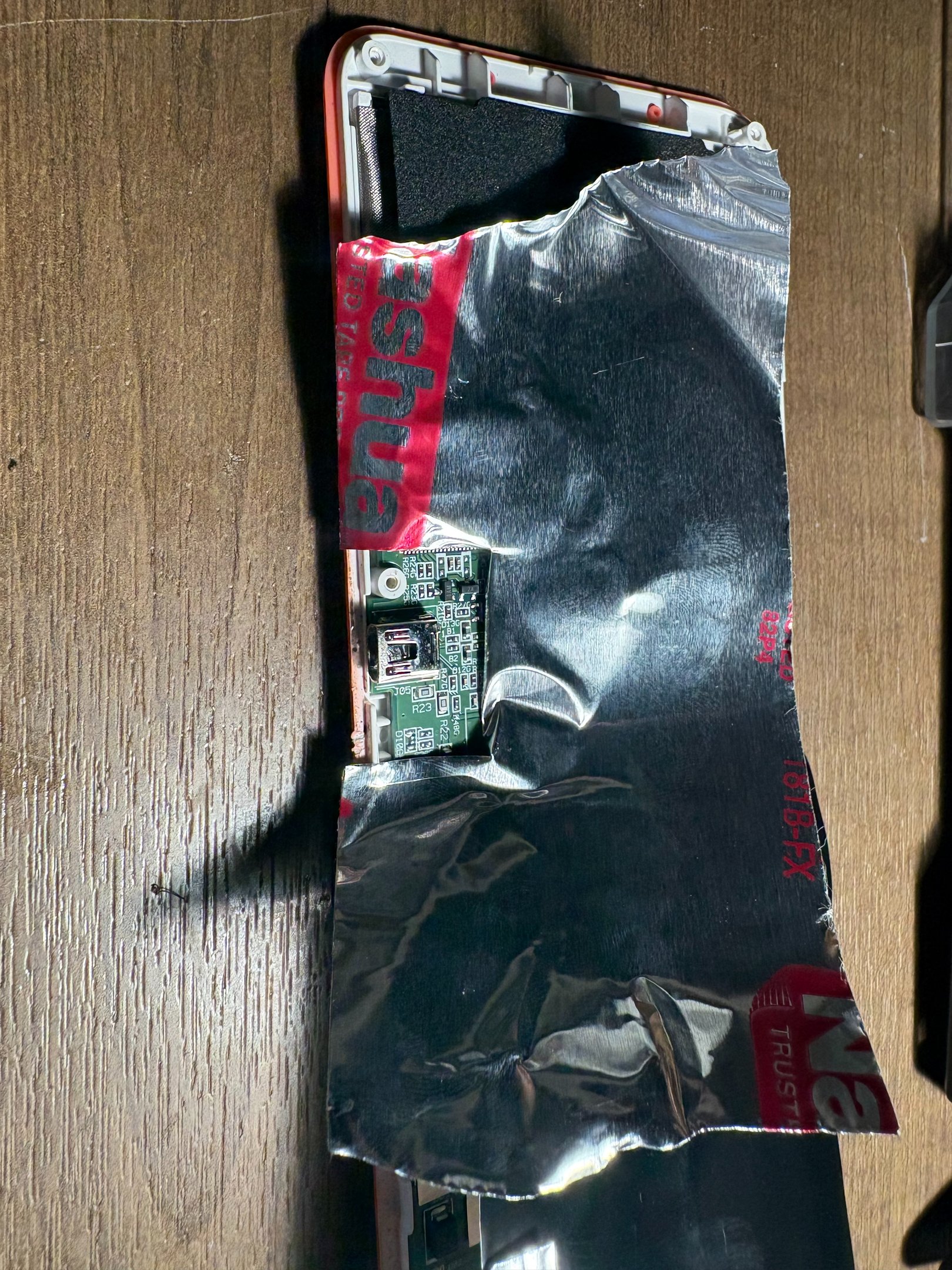
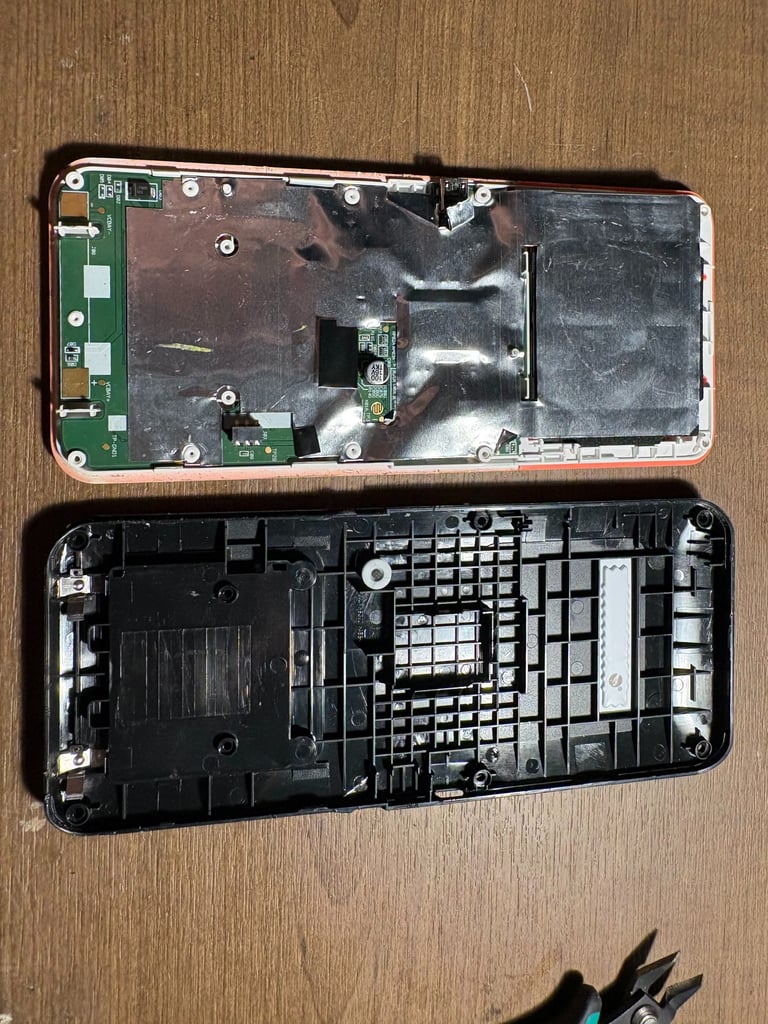
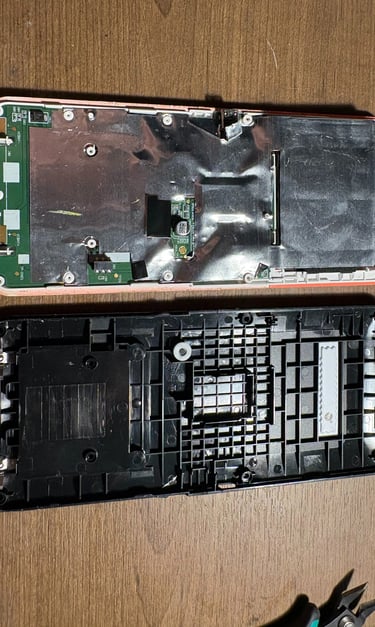
Peel back shielding and locate the USB
Step 3
Add foil to protect the sensitive hardware and desolder
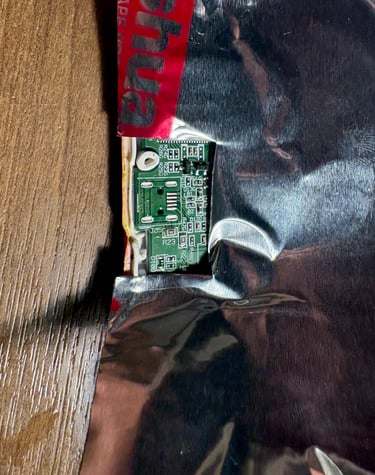
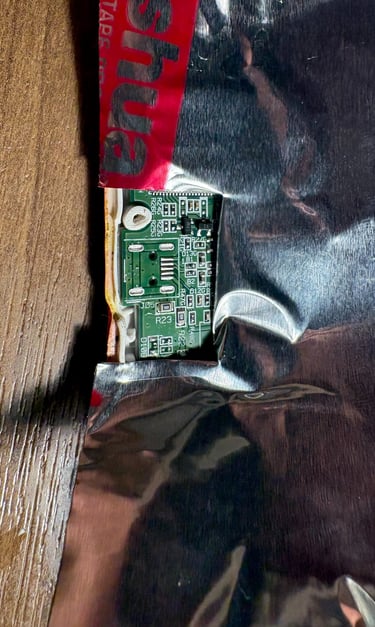
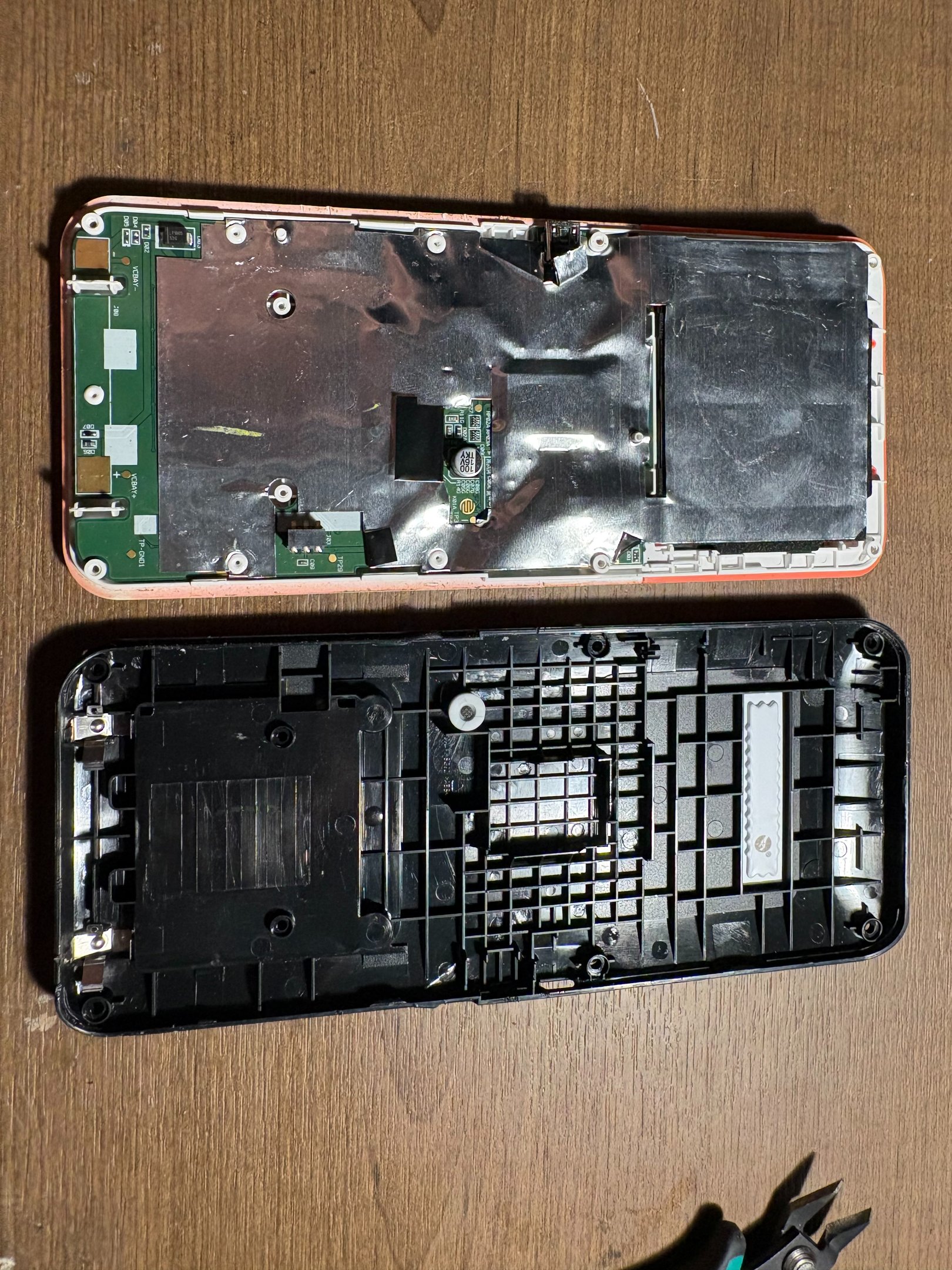
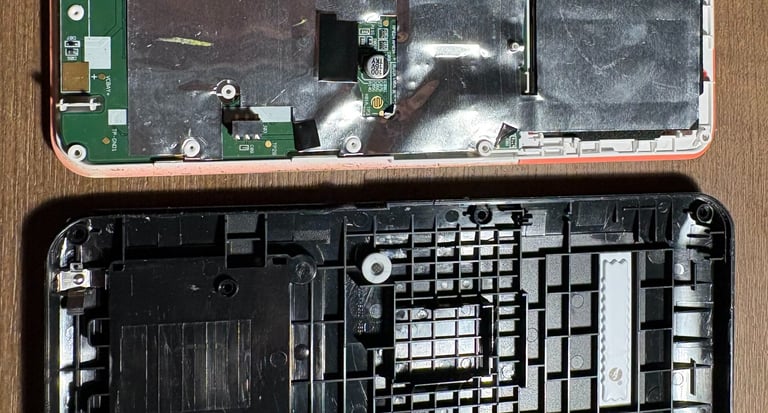
It is not hard to get into the calculator. After removing the battery and a few small Torx screws I was able to access the main circuit board. This project has made me decide to upgrade my toolset. Look out in the future for new screwdrivers and 3d printed organization.
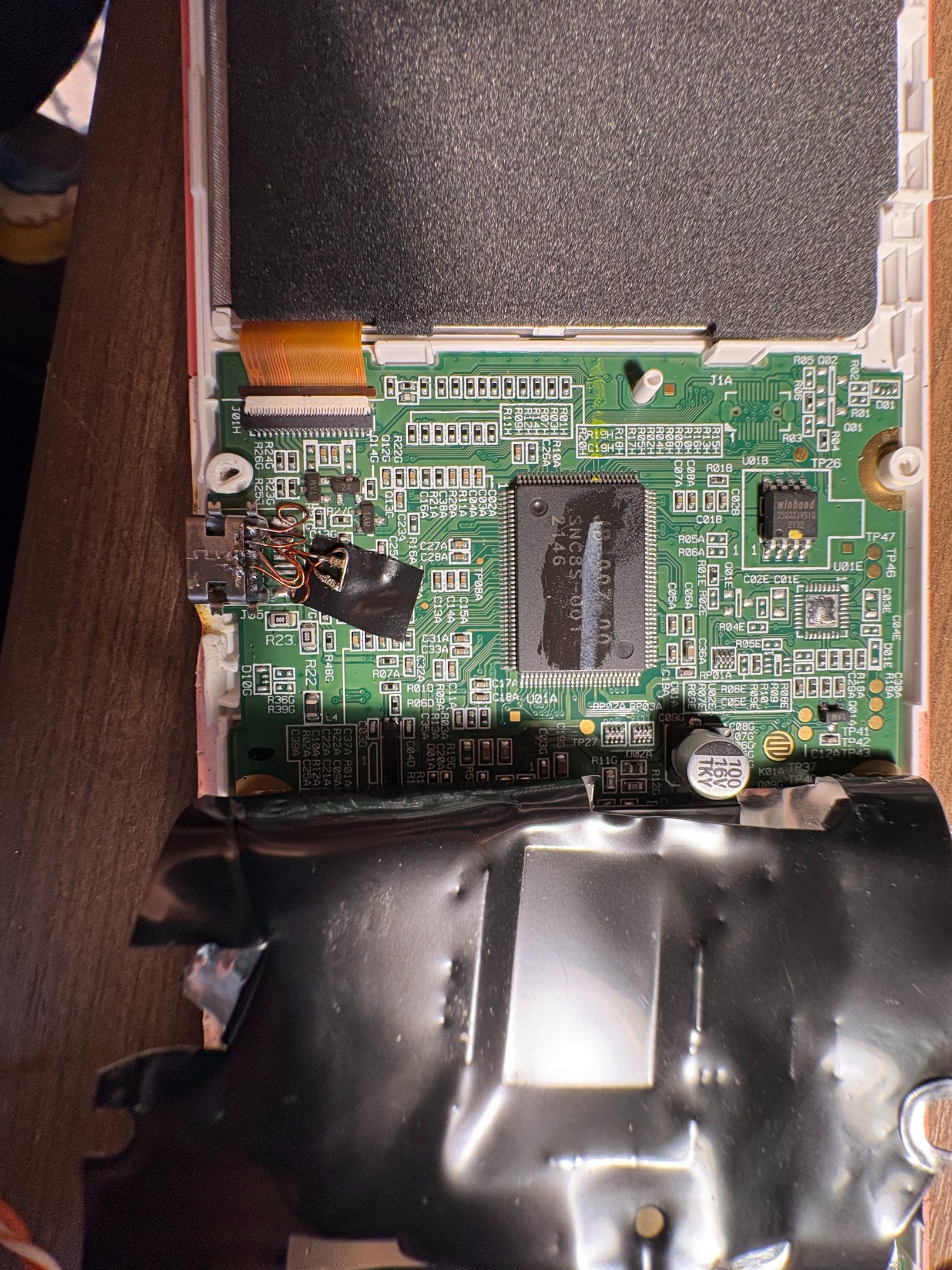
Step 4
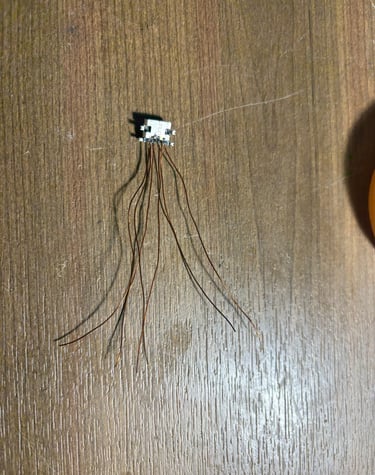
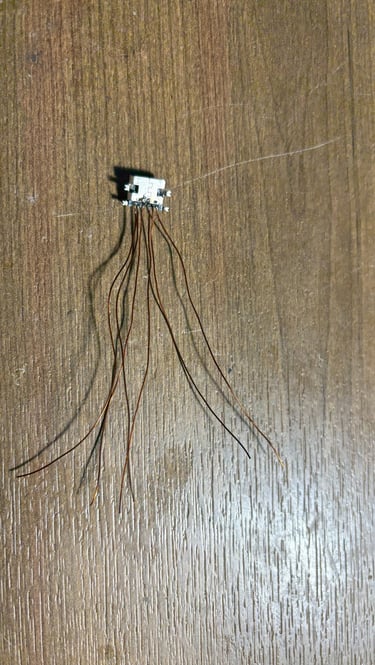
Preparing the new USB port and soldering it to the board
I had USB-C ports on hand from my TMR Current Probe Build, as well as 5.1K resistors. The USB standard requires a separate 5.1K resistor for each CC line to set the port as a "Sink", i.e., it will draw power from whatever device it is plugged into. I used thin 28awg magnet wire to jump between the board and port since the footprint of my USB-C port was different than the USB-micro port.
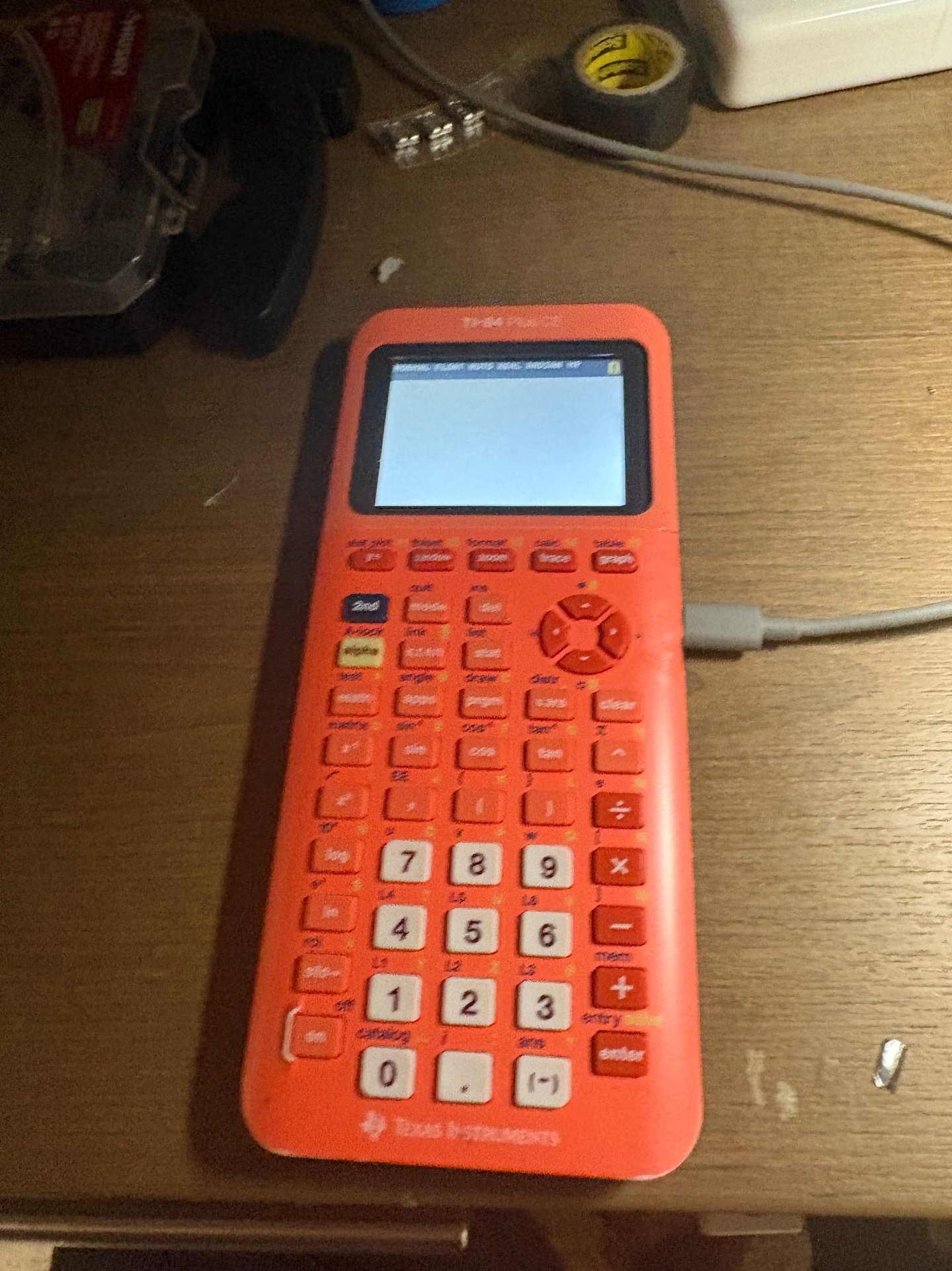

Results
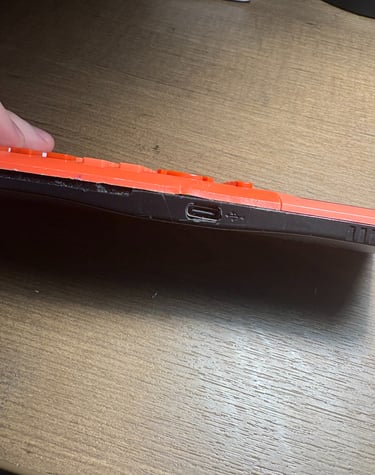
The modification worked! Now I can charge my calculator with the same charger I use for my phone and computer. At my current internship I have been learning about LEAN, a set of manufacturing principles. This project was my attempt at Kaizen, or continuous improvement. While my calculator is an old and established design it can and should be updated to improve my workflow.